Interval timer for circuit training
Build a workout from blocks, rounds and sets once — then start it with a single tap. Colour and sound tell you the phase, even when you are not looking at the screen.
Features
Everything for interval training — nothing you don't need
Blocks, rounds and sets
Work, rest, rounds and sets, rest between sets and blocks — any circuit you can think of.
See it and hear it
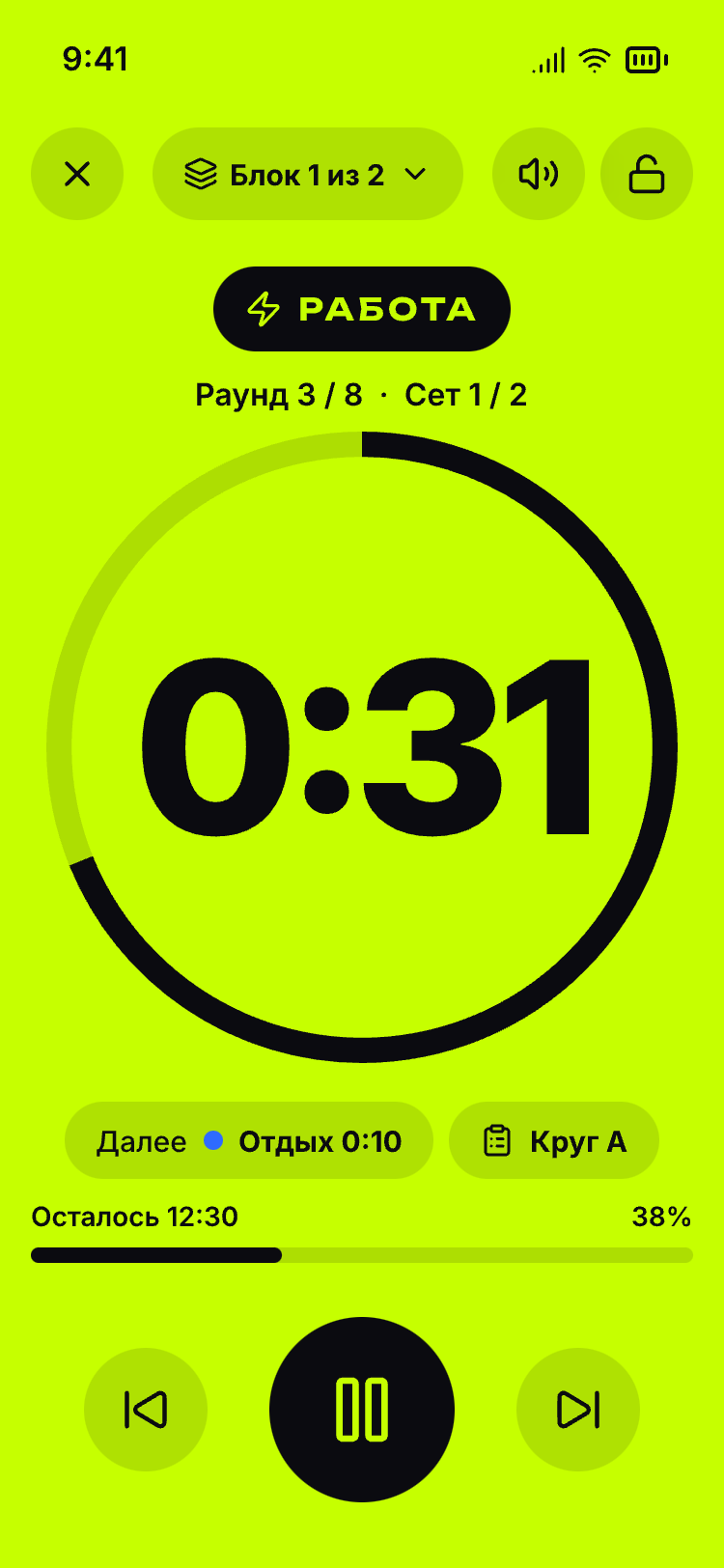
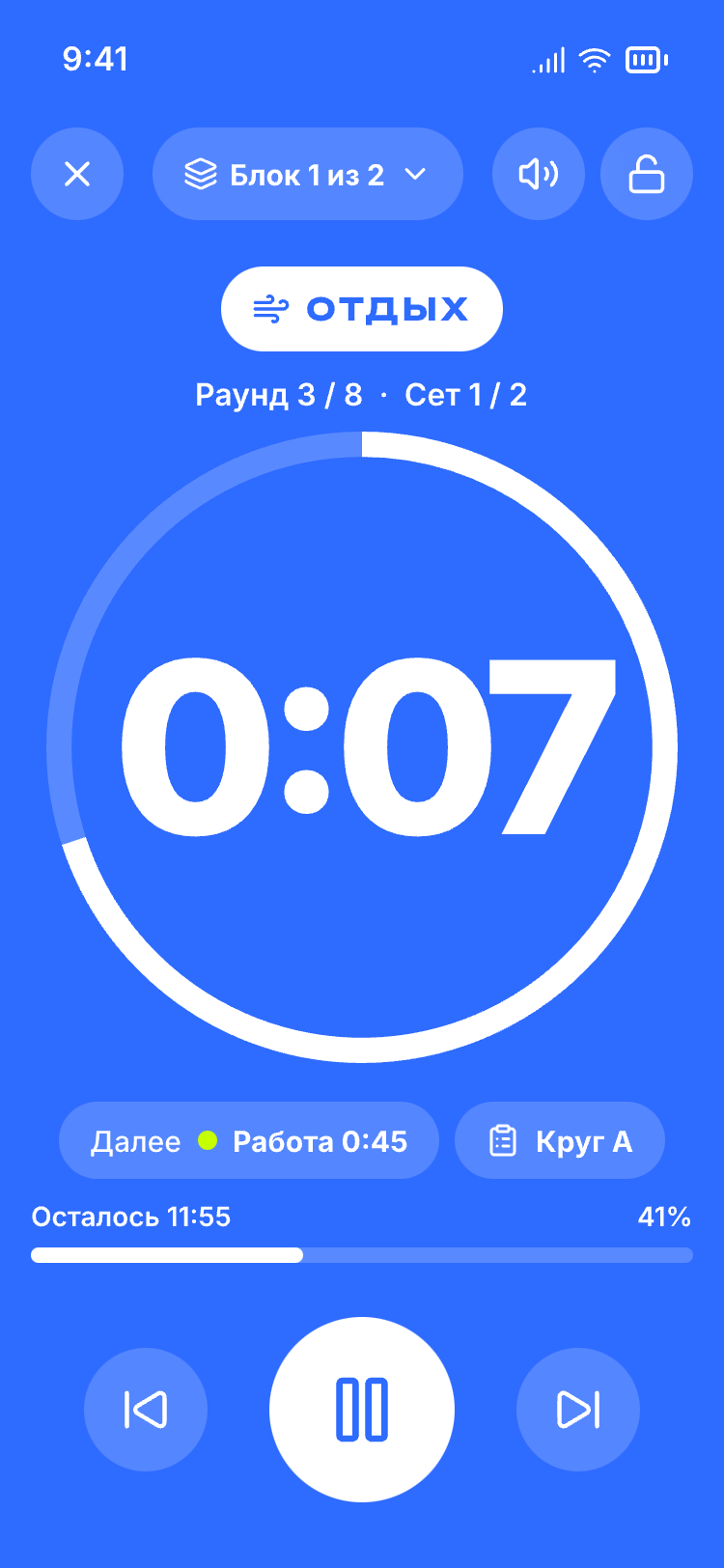
Each phase has its own full-screen colour, sound cues, voice prompts and vibration — no need to watch your phone.
Background and screen off
The Android app keeps counting when the screen is off or another app is open.
Works offline
Workouts are stored on your device — no signal at the gym, no problem.
Exercise programs
Keep the list of exercises with the workout and open it right during the countdown.
Quick timer
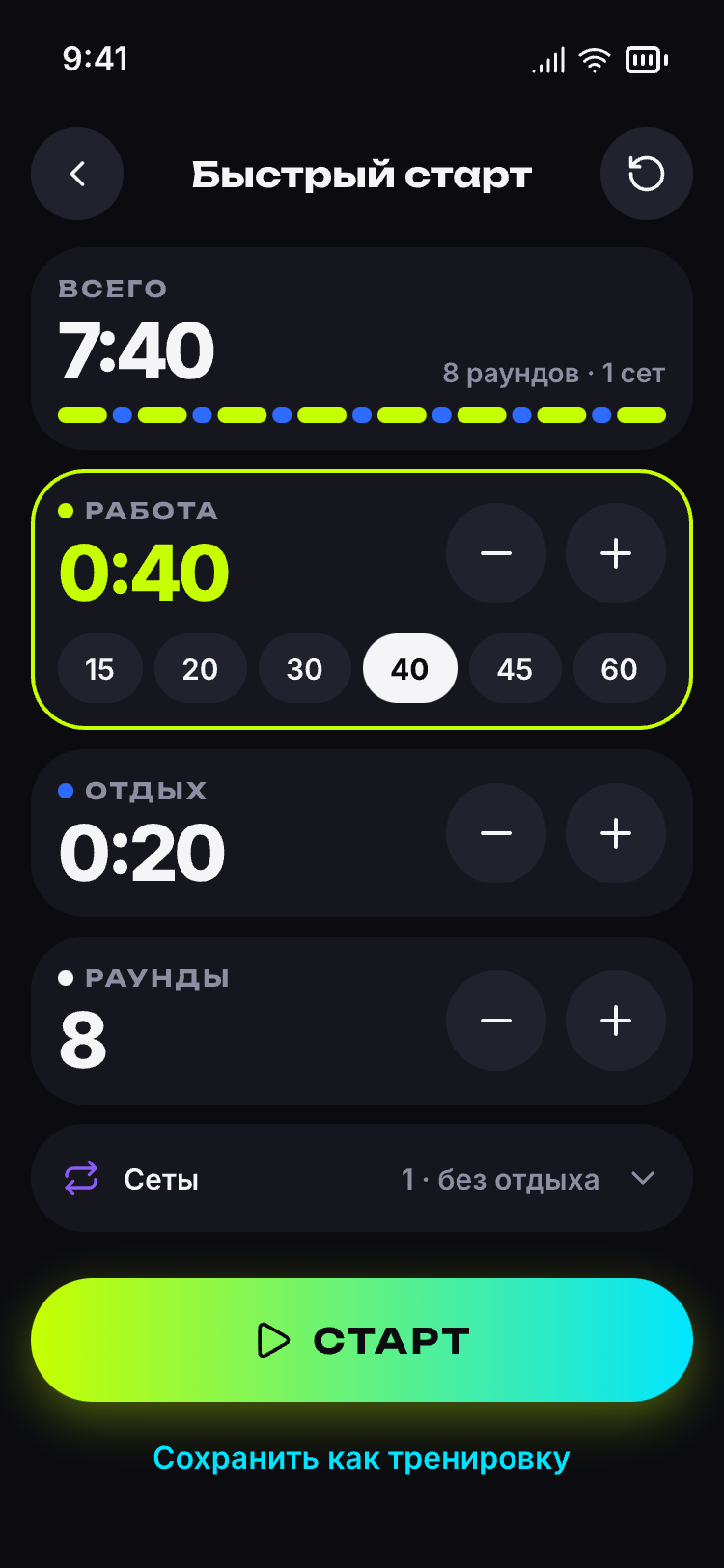
Just need an interval? Work, rest, rounds — and go, nothing to save.
Screens
How it works
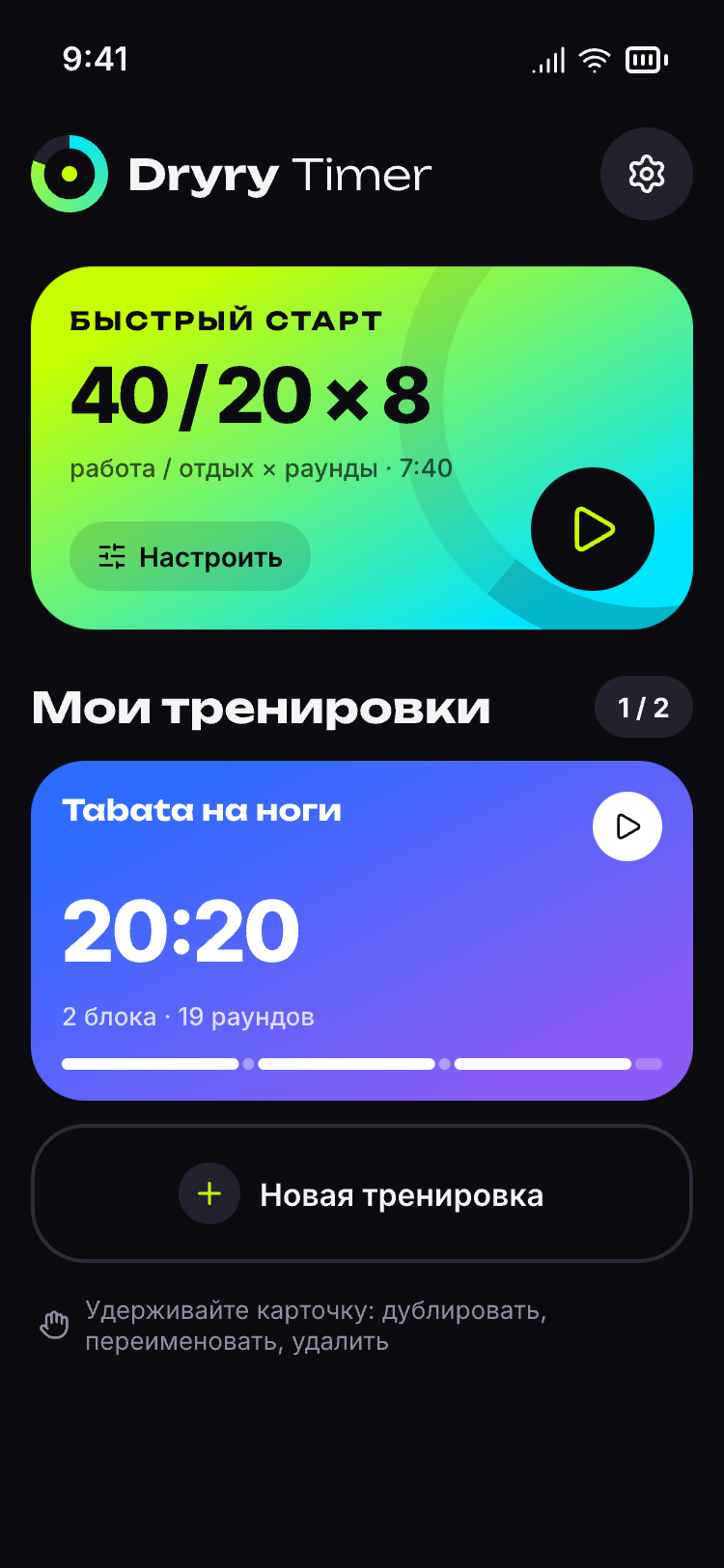
Build a workout
Add blocks — work and rest time, rounds, sets. A get-ready countdown is optional.
Add a program
Write down the exercises of your circuit — they stay at hand right on the timer screen.
Tap "Start"
The timer guides you through every phase with screen colour, sound cues and a countdown. Pause, skip and go back with one tap.
Ready-made workouts
Start with a ready-made plan
Dryry TimerPro
The free version is enough to train. Pro removes the limits — as many workouts and programs as you like, on up to three devices.
Pro plansQuestions and answers
Is there an online version?
Yes. The timer opens in a browser on your phone (Android or iPhone) or on your computer — press "Open in browser" on this page. There is nothing to install and no sign-up. After the first launch the web version also opens without an internet connection. If you want the countdown to continue with the screen off, use the Android app — in the browser the timer runs while the tab is open.
Is it free?
Yes. The quick timer and saved workouts are free, no sign-up needed. You need Pro only if you want more workouts and programs than the free version allows.
Does the timer keep running with the screen off?
In the Android app — yes, the countdown, sound cues and voice continue with the screen off and in the background. In the browser the timer runs while the tab is open — turn on "Keep screen on" in settings.
Do I need the internet?
No. Workouts are stored on your device and the timer works without a connection. The web version also opens offline after the first launch.
Is it good for Tabata and HIIT?
Yes — any interval plan made of work, rest, rounds, sets and blocks will do. Ready-made examples: Tabata 8 × 20/10, HIIT 40/20, 5-station circuit training, boxing 3/1 rounds, interval running, plank and abs, 20-minute workout, jump rope intervals and push-ups in sets. Each example page shows the plan and its settings: set it up in the timer and change it to suit you. EMOM and AMRAP can be set up too: EMOM — 1:00 of work with no rest for the number of rounds you need, AMRAP — a single work interval of the length you need. There are no separate modes with rep counting.
Are there voice prompts and vibration?
Yes. Each phase has its own colour and sound cue, plus voice prompts and vibration (if your device supports it) — no need to watch the screen.
Where are my workouts stored?
On your device — in the app or in the browser. With Pro you can turn on cloud backup — a copy of your workouts is then kept in your account on a server in Russia, and you can download it in your account area.